Build an Excel workbook you can test and explain. Follow projects for tracking expenses, reporting progress, and answering questions with public data.
Project brief: answer one question with a public dataset
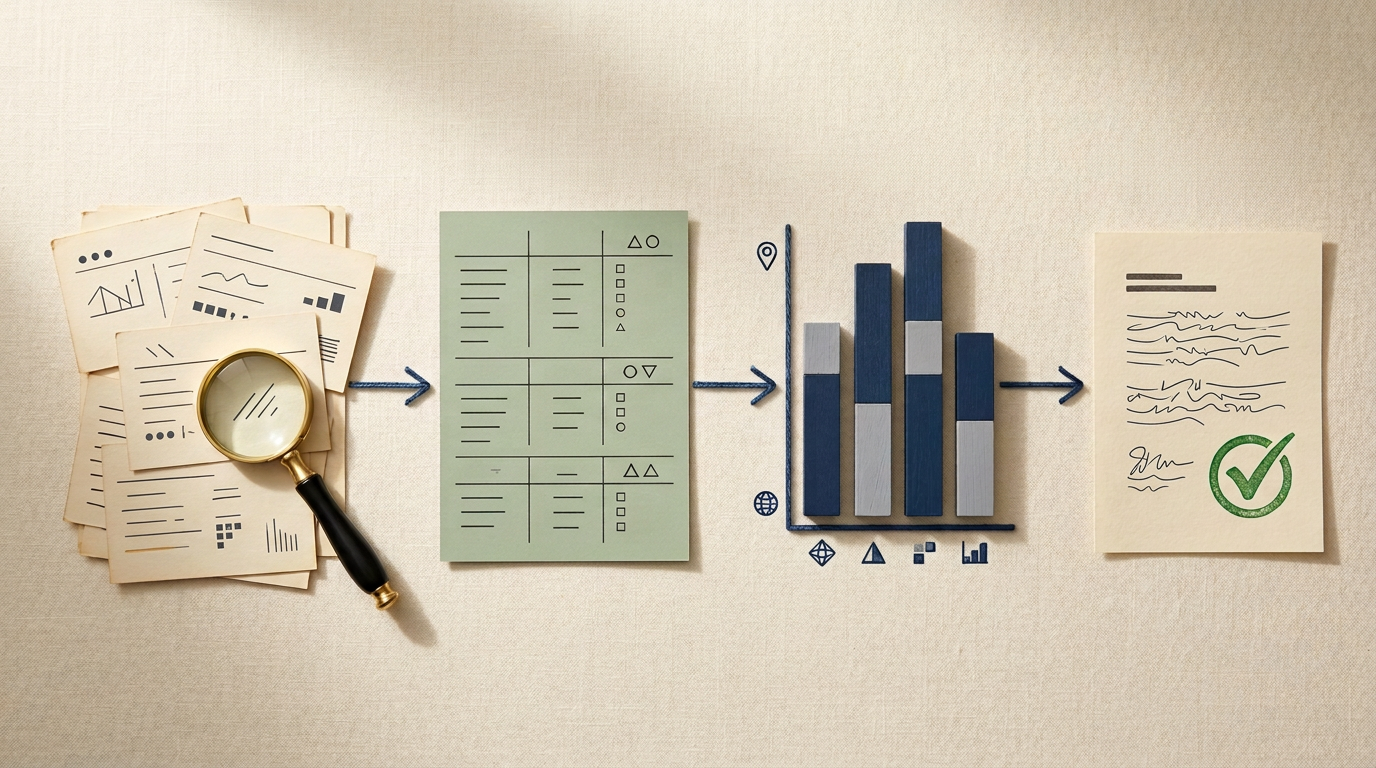
Start with a question your data can answer, such as which month had the most recorded visits. Check what each row represents and set aside missing values before comparing totals. Write down the source and filters so someone else can reproduce your answer.
You’re done when: your workbook shows how you got from the original records to a conclusion, and a reader can tell what the data leaves unanswered.
Start the public dataset project.
Build something for your own week
For a smaller project, build an expense tracker and check that the monthly summary matches the transactions. If you want to track work in progress, build a weekly project dashboard and test whether a changed milestone makes the next action clear.
Want to show your work to someone else? Turn one workbook into a portfolio case study by explaining a decision you made, a test that could have failed, and what happened.
Get the next project by email
Subscribe for Excel builds, practice workbooks, and ways to test your results.